
WELCOME TO GAMES FORUM X!
A community driven website with a main focus on video games and anime. Join our feature packed little hangout!
Articles
-
Early October Website Update Hello everyone! Just wanted to let everyone know we haven't been all sleepy-mode! It's been a little slower this month, but we've still managed to get a lot done. There has been quite a bit of tinkering under the hood to improve how some of the features and sections of the website work. - We also intend to add a couple more bits at the end of the month, so for now I just wanted to give you a run down of the changes made since the last website update post. WEBSITE
-
SEPTEMBER UPDATE Hello everyone! Just a little bit of news. As some of you may recall last month we had to remove our home page due to being unable to change parts of it or do anything with the page... But now! We've fixed that issue! Now you will see we've got a page it's nothing fancy, and we will build onto it in the future as we go! - We were also able to add the sidebar along with content blocks at the top and bottom of pages. This brings some features out into the open a bit (like the stat
-
Hello everyone! It's been a bit of a road, an awesome one at that! At this point in time everything is set how we want it and we're in a good place... So given that the site is now officially open! 🥳 A huge thank you to those who joined to try things out and assisted with testing. Even if you were only able to do a little bit, it all helped. So thanks again! If you are considering joining then welcome to the site! We're a friendly lot, so would love for you to join us! Gaming and anime is our pr


Upcoming Events
Latest Posts
Blogs
-
Moron in Tokyo
- 2 Entries
- 2 Comments
- 332 Views
Get ready for random updates with little to no context from my trip to Tokyo
Latest entry by shadycun1,
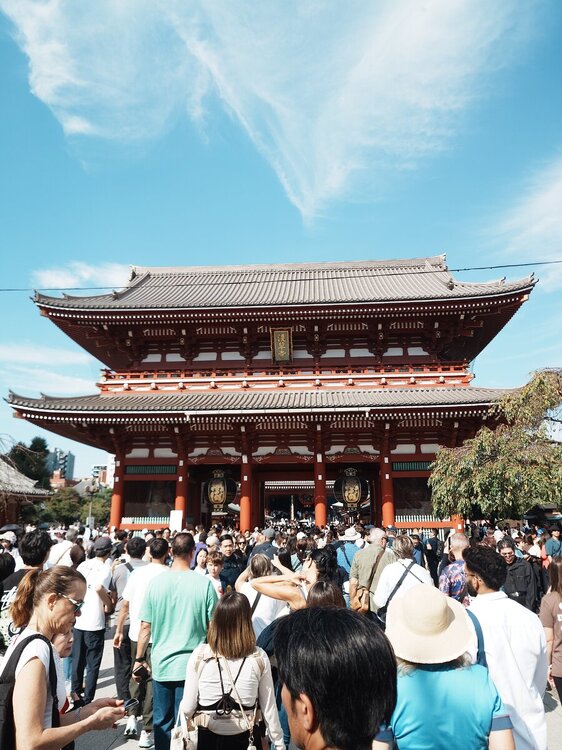
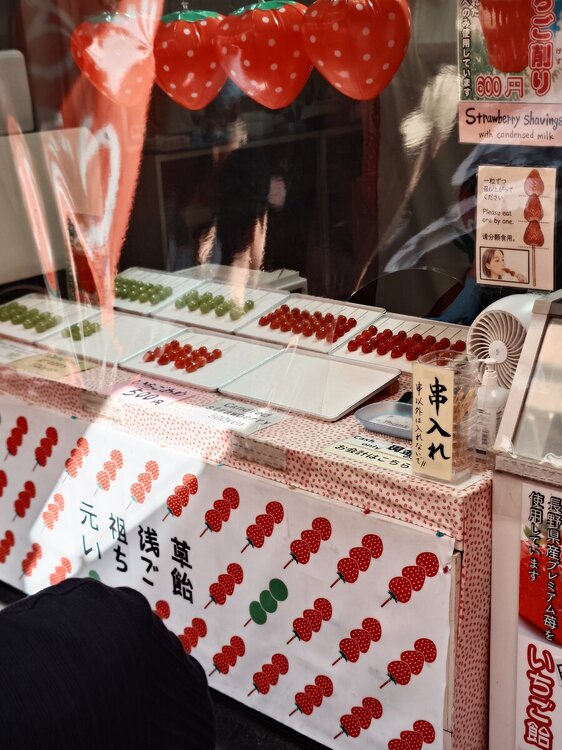
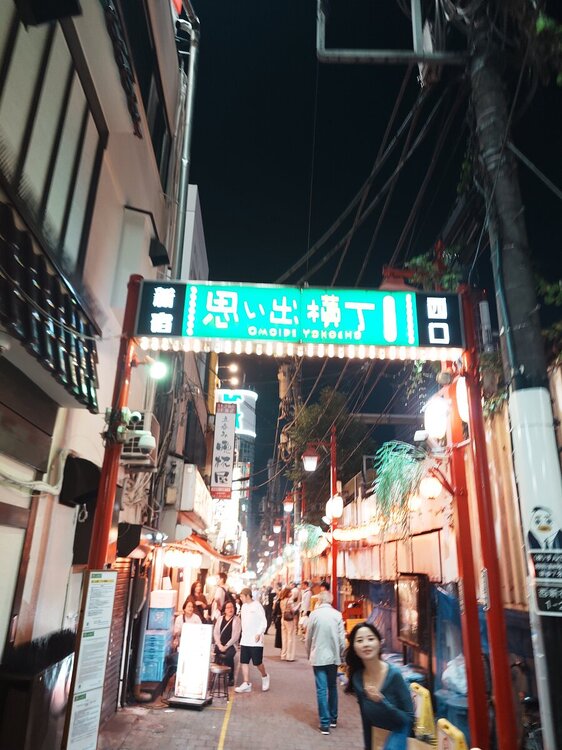
First of all fuck me. The locals are a friendly bunch, they are all asking to add me on Instagram.
Going out drinking with the locals till 3am is great, no worries of violence like back home. I've gone and got another 8 statues or so for my collection as well.
Been to a few Pokémon centres, they are going to Disney I'm fucking off to Yokohama for the day for the shit museum and the cup noodle museum.
We saw a palm reader who said the following about me.
You have the skill of reading a room and becoming the centre of the social setting. You are highly skilled at talking to people and bringing them into the conversation.
Baring in mind I had not said a word at this point so fair fucking play it ain't fake
Dunno what else to say I'm a shit blogger hence the name. Moron in Japan.
Coming back again has brought the thoughts back of moving here. Could I uproot and move?

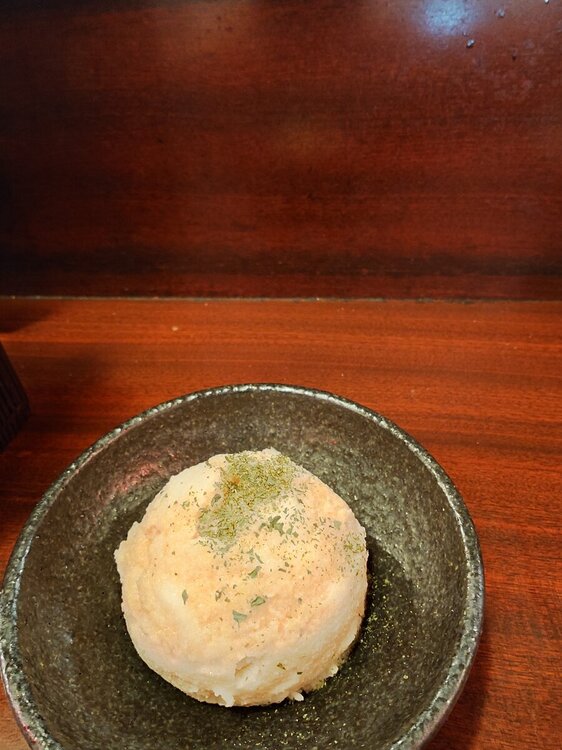


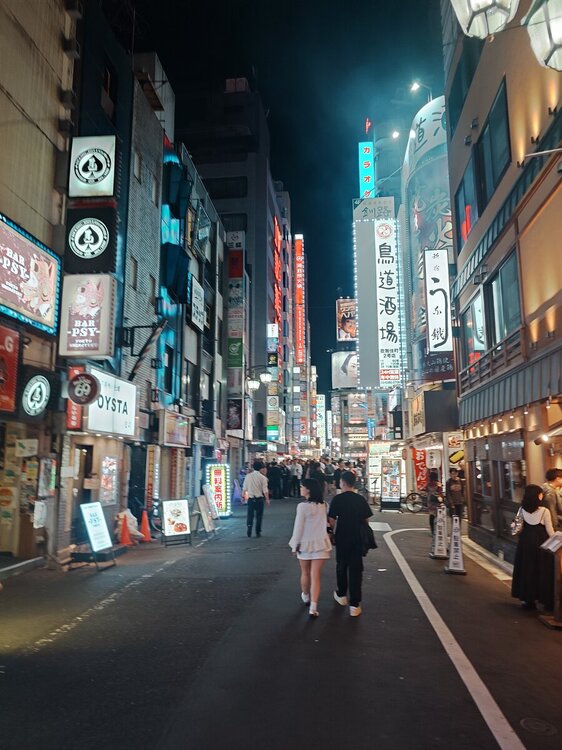
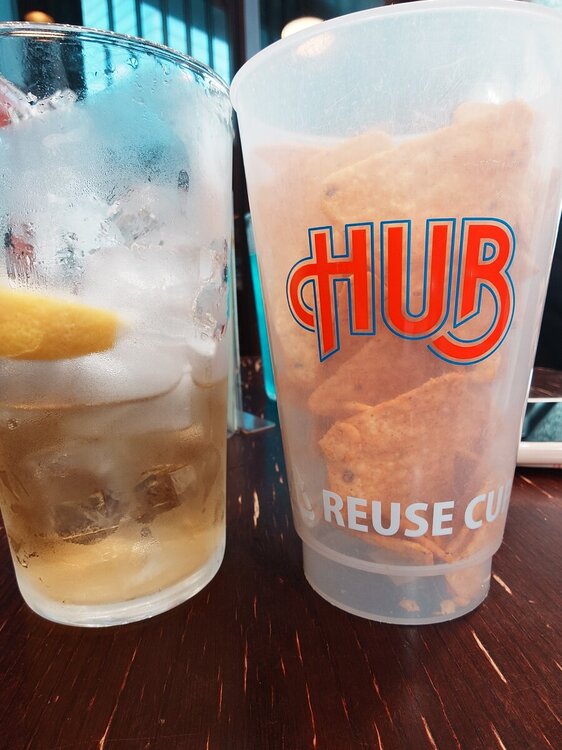
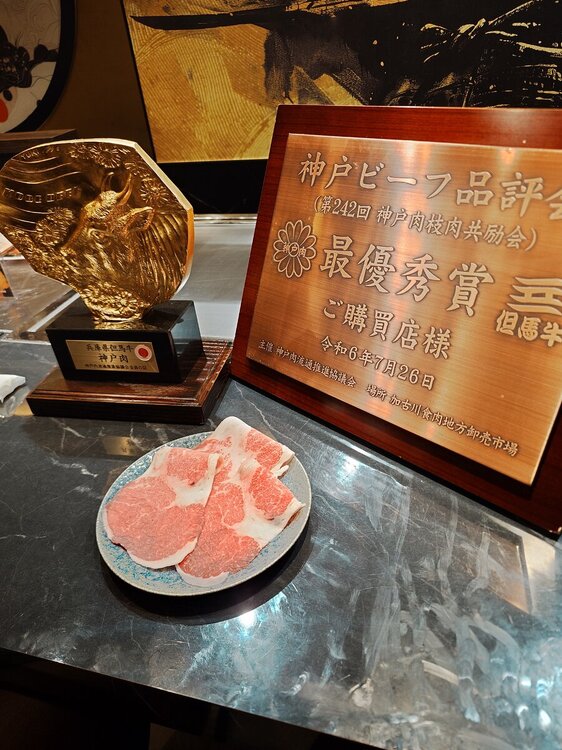

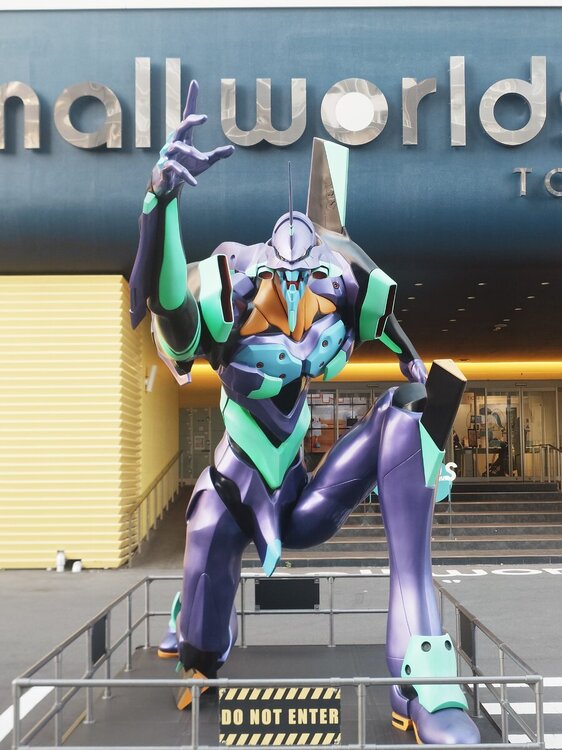

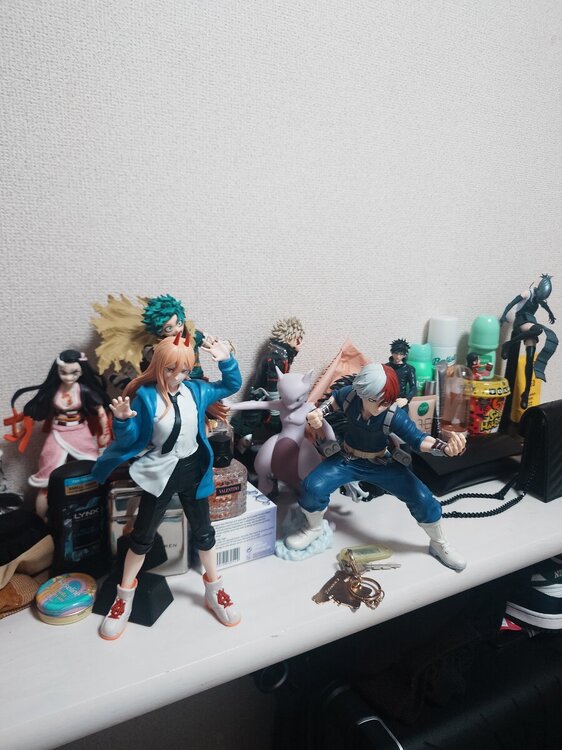
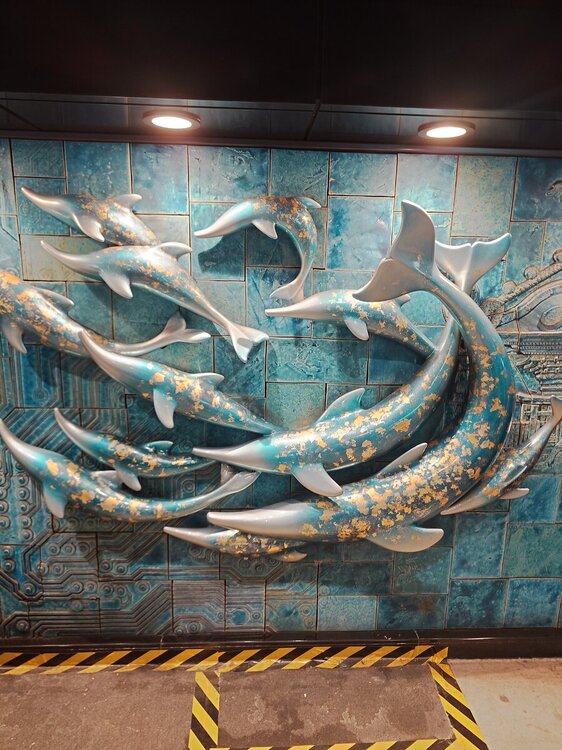


Recent Entries

Member Statistics
- 15 Total Members
- 26 Most Online
-
YellowStone Newest Member ·

Forum Statistics
- Total Topics 57
- Total Posts 182
Blog Statistics
- Total Blogs 1
- Total Entries 2
Video Statistics
-
2
Videos -
126
Total Views -
